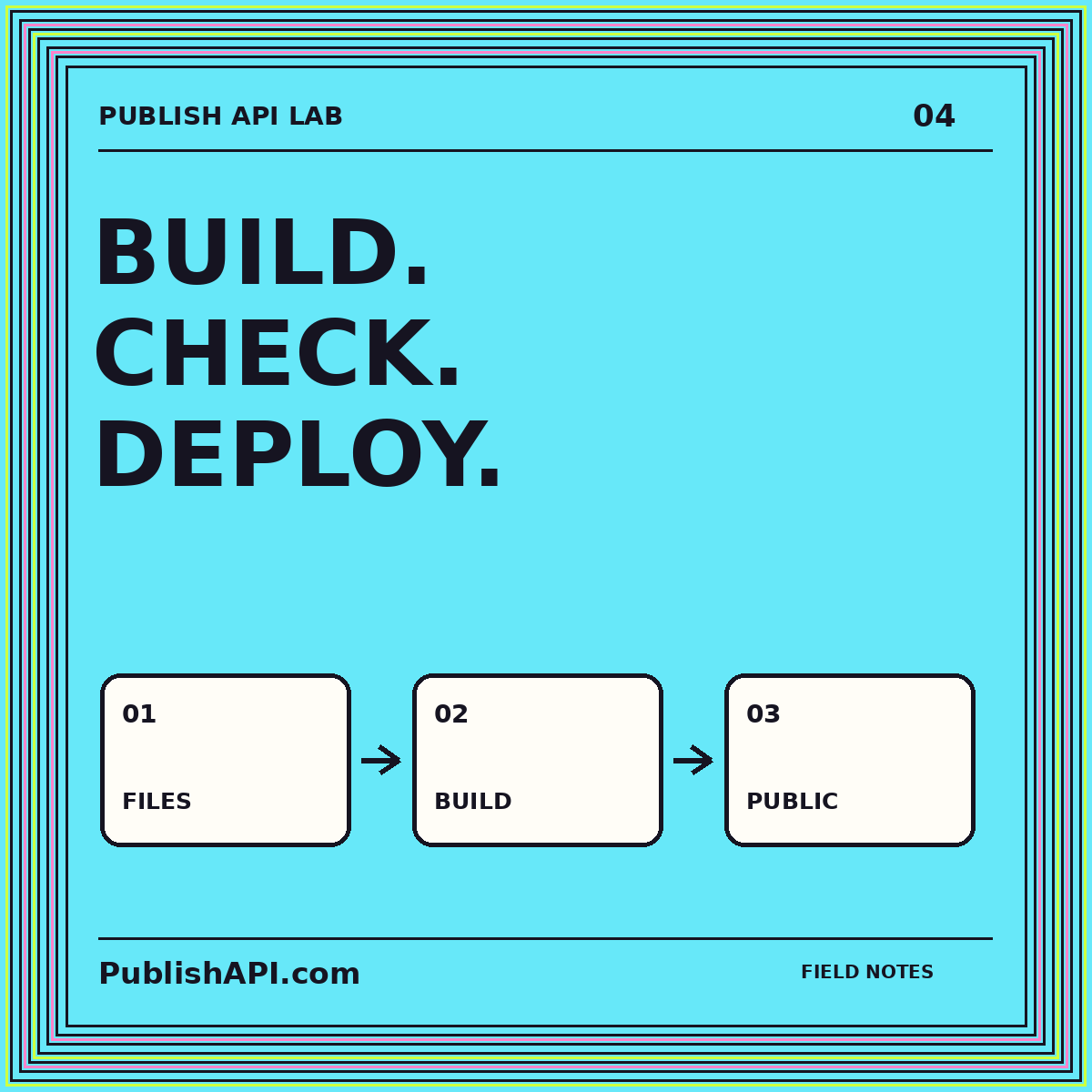
A generated website has a useful property: the public release can be understood as a collection of files. That simplicity is worth protecting. A Hugo publishing workflow should make it clear which source produced the files, which files belong to the release, and how an operator can restore a known-good version. Adding a build command is only one part of that design.
This guide proposes a content-to-release workflow for a small static publication. It focuses on preparation, inspection, transfer, and recovery rather than a particular hosting vendor. Hugo’s official deployment methods guide distinguishes repository-triggered hosting builds from building locally and transferring the result. Either approach can work; the important choice is where your project places the release boundary and how it verifies the output.
Separate source content from public output
Keep a clear distinction between the workspace used to build the site and the directory intended for visitors. The workspace can contain templates, configuration, source articles, build tools, and private operational notes. The public output should contain only the files that are supposed to be served. Treat that distinction as a security and maintenance boundary, not merely a folder naming preference.
Before introducing automation, inspect one generated release by hand. Find the homepage document, a nested article, the stylesheet, a featured image, the sitemap, and the feed. Follow their paths and confirm that they match the intended public URLs. This basic inspection often reveals assumptions that remain invisible when the team only uses a development preview.
The Hugo CMS route discusses the authoring side. The release process begins after the source content has a defined shape and a reviewer has approved the revision that should become public.
Write a content contract for the theme
Document the fields your templates expect: title, description, publication date, image reference, and any taxonomy or layout selector your project uses. Distinguish required fields from optional fields and define a sensible display behavior for each omission. An empty subtitle should not create an unexplained gap or a broken metadata value.
Prepare representative content fixtures. Include a long headline, a short article, a post with several headings, an image with a detailed description, and a page without an optional feature. Use these fixtures whenever you change the theme or content mapping. A single attractive homepage does not demonstrate that the rest of the publication remains coherent.
Keep editorial rules near the content workflow. If every article requires an excerpt and an approved image, check those conditions before the release build. A template fallback can help presentation, but it should not silently hide a missing editorial decision.
Build into a controlled destination
Prefer a release process in which the output is produced in a known, clean location. The objective is to make the resulting file list attributable to the current source rather than a mixture of current files and remnants from earlier work. A renamed article should not remain publicly accessible simply because an old output file was never removed.
Create a release manifest after the build. At minimum, record the release identifier, source revision, build configuration reference, and list of public files. Your implementation can add hashes where useful. The manifest is an operational aid: it helps an operator compare what was intended with what was actually transferred.
Do not put private manifest details into the public directory. A public release identifier can be useful, but credentials, internal repository locations, and private notes belong elsewhere. Keep the artifact easy to inspect without turning it into a disclosure of the entire build environment.
Validate links from the finished artifact
Test the generated files, not just the source templates. Resolve internal page links against the output directory and check that every referenced image, stylesheet, and script exists. Include fragment links to headings because a page can exist while a table-of-contents destination is still broken.
Open nested pages directly. A homepage can look correct while an article fails to load its stylesheet because a relative asset path was written for the wrong directory depth. Check the public URL structure, canonical metadata, and feed links together. They should describe the same addresses rather than three different conventions.
Review the narrow layout with real content. Code blocks, long unbroken strings, wide tables, and navigation are common places to look. The static website route expands the idea of a complete artifact that can be served without an application router.
Choose a transfer strategy deliberately
For a repository-triggered build, decide which branch or approved event represents a release request. Keep preview builds distinct from production releases. An editor should be able to inspect a change without accidentally making it public simply by saving work in a shared repository.
For a locally built artifact, transfer the contents intended for the document root rather than nesting the entire workspace inside it. Preserve the directory structure that gives pages their clean URLs. Verify how the host treats directory index documents and missing paths instead of assuming every static host behaves identically.
Consider what visitors see during transfer. A file-by-file replacement can briefly mix old documents with new assets. Where your hosting environment supports release directories or an atomic promotion mechanism, evaluate that option. Where it does not, document the limitation and make the release package self-consistent enough to reduce avoidable breakage.
Preserve a rollback artifact
Keep a known-good generated release outside the live public directory. Rolling back should not depend on recreating an old environment from memory while a publication is broken. The saved artifact should include the files needed to restore the site and enough private operational metadata to identify where it belongs.
Test the rollback process before you need it. Replace a staging release, restore the earlier artifact, and verify a small set of critical pages. Confirm that removed files are handled correctly; otherwise a rollback can leave a mixture of two releases rather than actually restoring the prior state.
A rollback does not reverse everything readers may have consumed. Feed readers may already have fetched an entry, and external services may have cached a page. Treat restoring the website and correcting distributed information as related but distinct responsibilities. This is another reason to review the exact content revision before release.
Inspect the deployed site independently
After transfer, verify the public hostname rather than only the preview environment. Open the homepage, an article several levels deep, a featured image, the stylesheet, the sitemap, and the feed. Confirm that the visible brand and canonical hostname match the intended property. This check is especially important when one theme supports several websites.
Compare the deployment with the manifest. Record which checks passed and which were not performed. “Upload complete” is a statement about a transfer operation, not a comprehensive claim that every reader-facing feature works. A precise release note helps the next operator understand what evidence exists.
Keep operational maintenance small and explicit. Document the public directory, responsible owner, release command or procedure, and recovery location. Avoid a process in which routine article publication requires a developer to remember several undocumented exceptions.
A first-release rehearsal
Use one ordinary article and one changed URL for your rehearsal. The ordinary article proves that content, assets, and metadata arrive together. The changed URL tests whether obsolete output is handled intentionally. Inspect the generated tree before transfer and the public result afterward, then restore the previous release once to prove the recovery path.
Ask someone other than the original implementer to follow the written procedure. Their questions are useful evidence about missing assumptions. Improve the procedure until a release can be explained as preparation, validation, promotion, and confirmation, with a clear response when any stage fails.
Compare the release as a set of files
Prepare a rehearsal with one article, its featured image, a category page, and a stylesheet. After building, make a file manifest for the generated output. Record each relative path and a content hash, then inspect the release through a static HTTP server using the hostname or base-path assumptions you intend to support.
Intentionally remove the image from a copy of the output. Your pre-release check should identify the missing asset before that copy can replace the accepted release. Restore it and repeat the check. Keep this fixture small enough that another person can understand every expected file.
For recovery, retain the previous complete output separately and rehearse selecting it again. The useful acceptance condition is a coherent set of matching HTML and assets, not simply a successful build command or the presence of a homepage.
Conclusion: ship a release, not a folder accident
Hugo can sit inside a straightforward publishing system when source content, generated output, and deployment remain distinct. Define the content contract, validate the finished files, choose the transfer boundary, and retain a recovery artifact. The folder-to-website route offers a complementary checklist for packaging that output. A dependable release is one you can inspect, identify, and reverse—not merely one that happened to load correctly once.